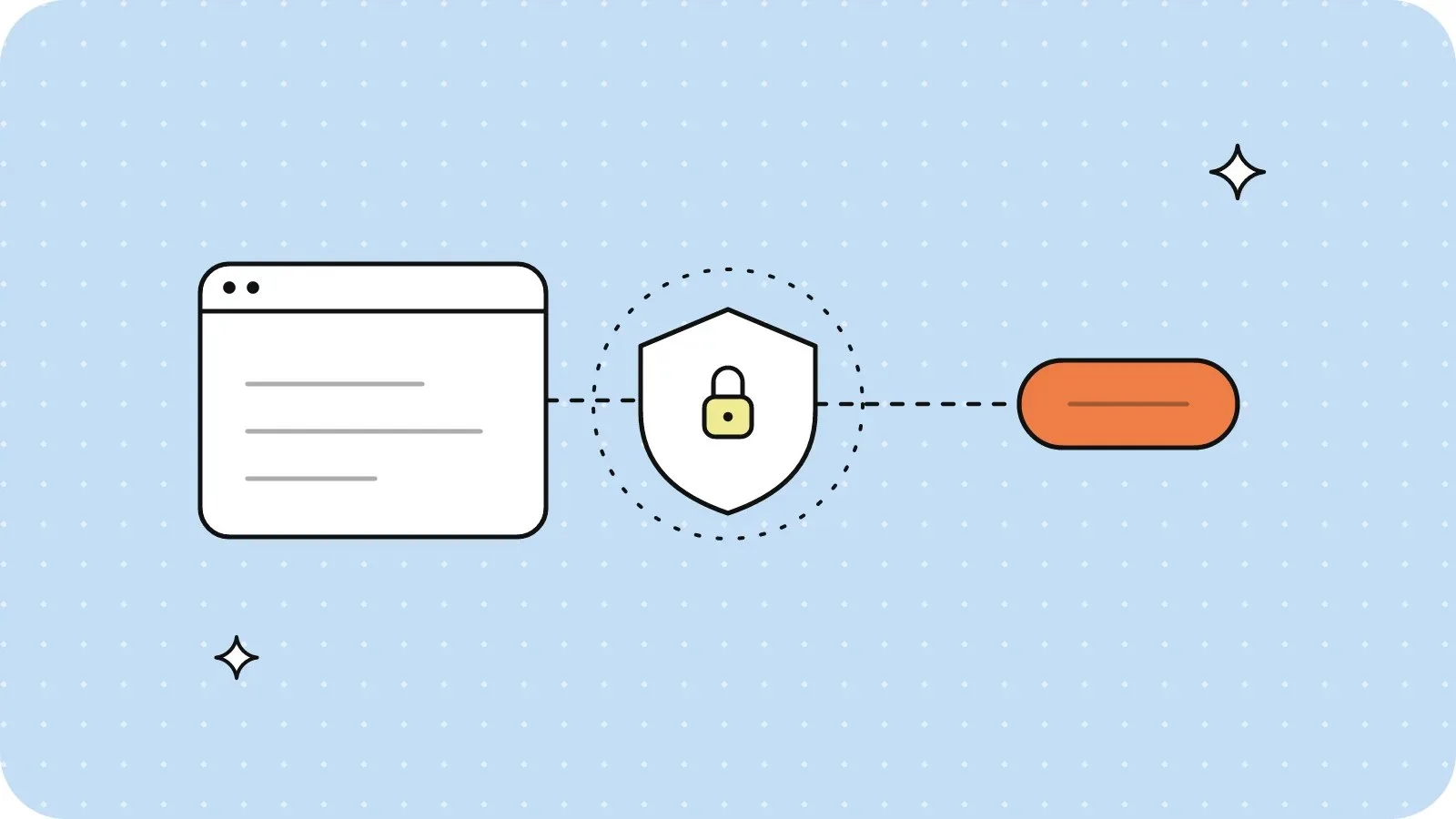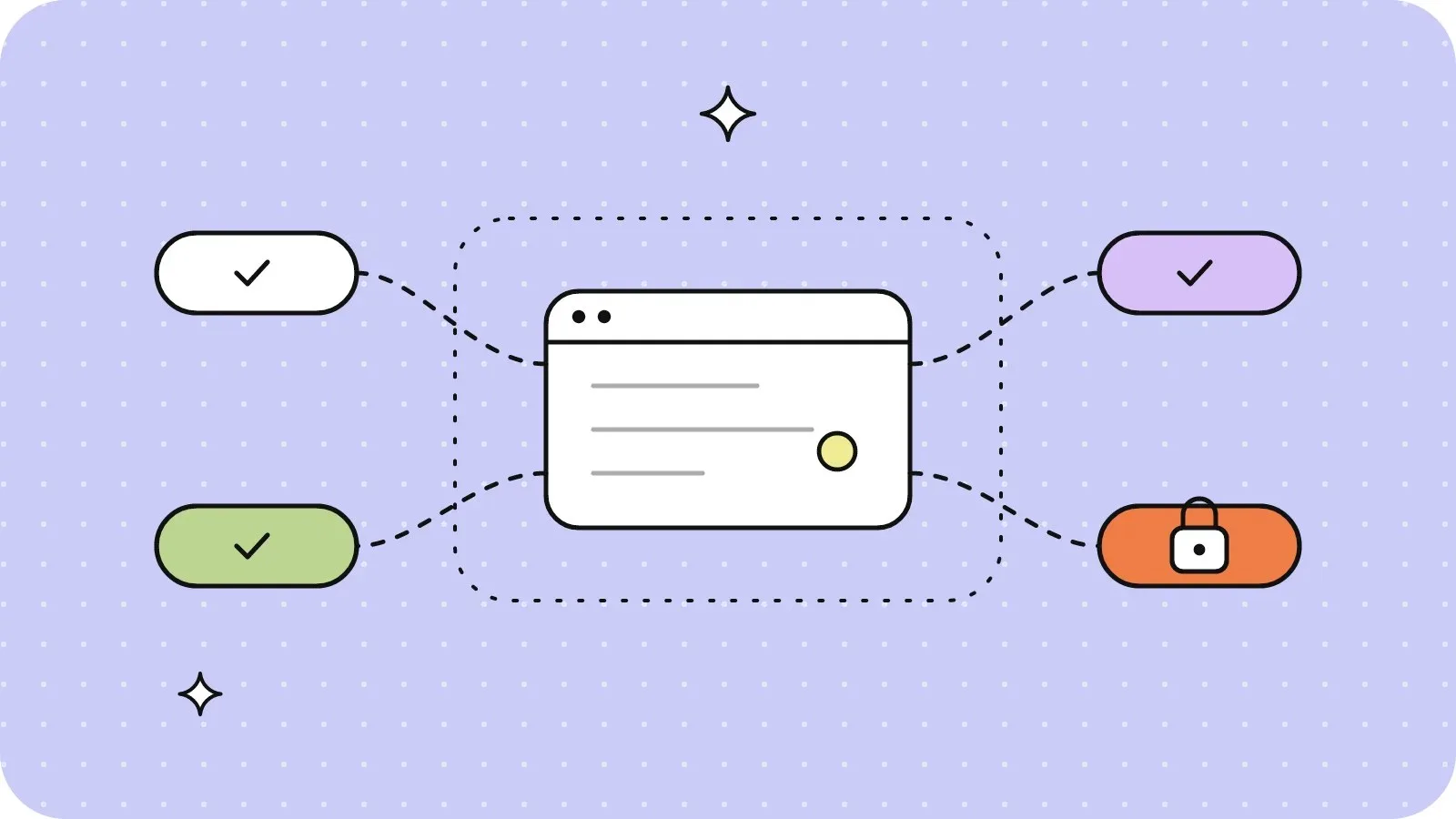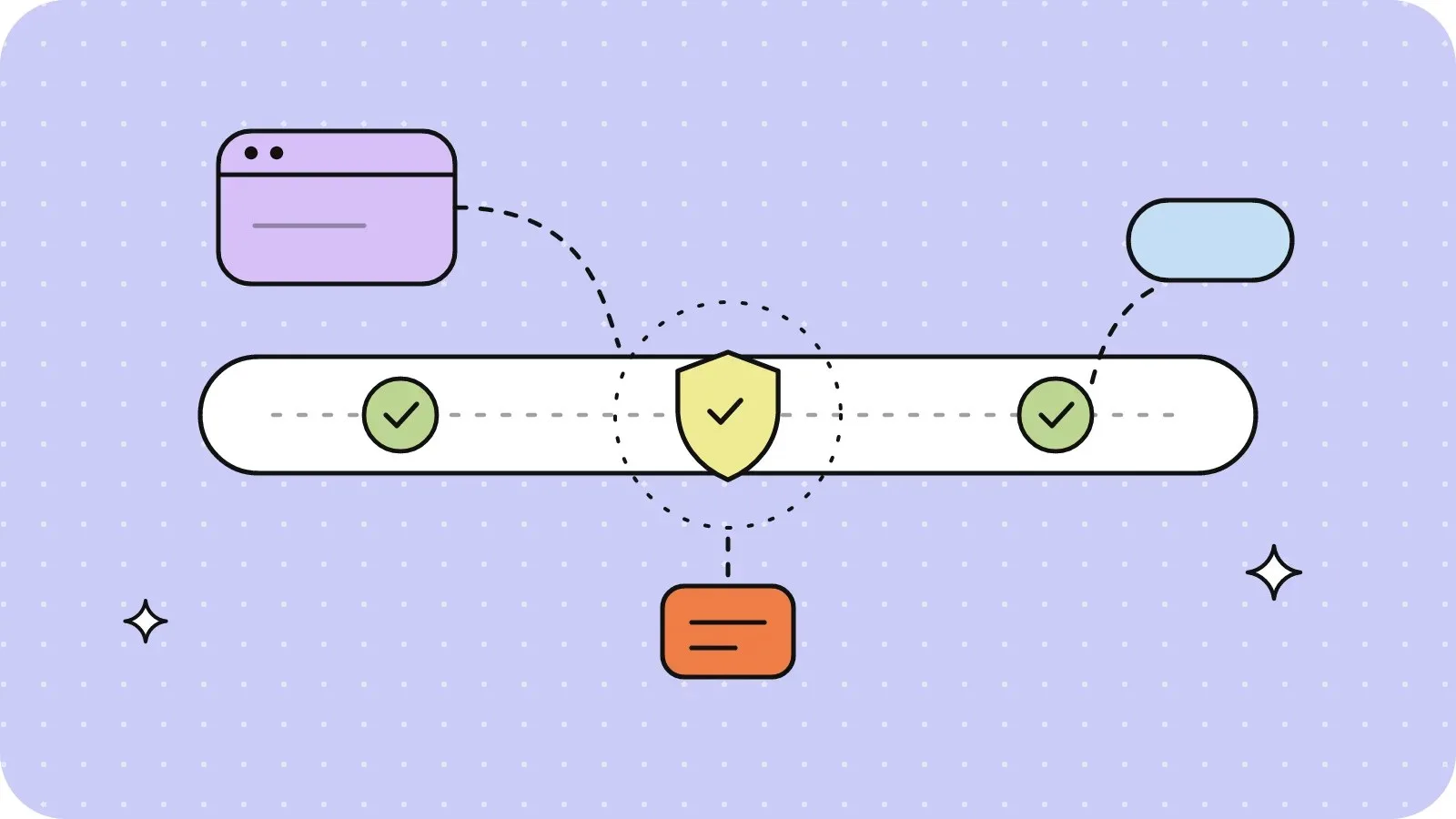
A secure CI/CD pipeline for AI-written code treats each agent as an untrusted contributor. It uses short-lived credentials instead of stored secrets, pins third-party actions, isolates runners, blocks agents from editing pipeline files, scans each pull request, and requires a human approval before anything reaches production.
What changes when agents write the code
Agents change the threat model of a pipeline in two ways. They produce far more pull requests, and they can edit the pipeline itself.
A human developer rarely touches .github/workflows/deploy.yml. A coding agent asked to "fix the failing build" will edit it without hesitation, and may add a secret to an environment variable, widen token permissions or comment out a test step. Each change is small and looks reasonable in a diff.
The agent can also be steered. If it reads an issue, a README in a dependency or a web page containing hidden instructions, prompt injection can turn it into an insider with write access to your repo. Your pipeline design should assume that happens.
For reference material, start with the OWASP Top 10 CI/CD Security Risks and the NIST Secure Software Development Framework.
The secure CI/CD pipeline, stage by stage
Build the pipeline in five stages. Each one limits what a bad commit can do before the next stage sees it.
Stage 1: Source control and branch rules
Protect the default branch so nothing merges without passing checks and a human review. Use protected branches with these settings:
- Require a pull request and at least one approval from someone other than the author.
- Require status checks to pass before merge.
- Dismiss stale approvals when new commits arrive, so an agent cannot push changes after approval.
- Restrict who can push directly, including bots.
Then add CODEOWNERS entries for .github/workflows/, infrastructure code and auth modules. An agent can propose changes there, but a named person must sign off.
Stage 2: Pipeline identity and secrets
Replace stored cloud keys with short-lived tokens. GitHub Actions supports OpenID Connect, which lets a workflow request a token from AWS, GCP or Azure that expires in minutes. There is no long-lived key for an agent to leak.
Scope the built-in GITHUB_TOKEN to read-only by default and grant write access per job. GitHub's guide to automatic token authentication shows the permissions: block. A test job needs contents: read and nothing else.
Give agents their own identity. A bot account or GitHub App with its own permissions makes each agent action attributable and revocable. See agent identity for the pattern.
Stage 3: Build isolation
Run untrusted code on runners that hold nothing worth stealing. PRs opened by agents should build on ephemeral runners with no access to deploy secrets, cloud credentials or the production network.
Three rules close the common gaps:
- Never use
pull_request_targetto check out and run PR code; it runs with the base repository's secrets. - Pin third-party actions to a full commit SHA rather than a tag, since tags can be moved.
- Pass untrusted values (branch names, PR titles, issue bodies) through environment variables, never directly into
run:scripts.
GitHub's security hardening guide for Actions covers each of these with examples. If agents run tasks in CI themselves, run them inside an agent sandbox with network egress limited to package registries.
Stage 4: Pull request scanning
Each PR runs secret scanning, dependency review, static analysis and infrastructure scanning before a reviewer looks at it. AI-written code adds checks that generic scanners miss: hallucinated packages, removed authorization checks, weakened tests and new tools exposed to an LLM.
Keep this stage under ten minutes, scan only changed files on the PR path, and run full scans nightly. A slow or noisy stage gets bypassed.
This is the stage where the Motiontic Security Layer (MSL) fits. MSL integrates with CI and runs on each pull request, so the team's code stays in its own CI. It scores changes against the ARI-42 risk index and leaves a PR comment with each risk and its fix, plus a dashboard and a buyer-ready PDF report for security reviews. Teams pick direct CI integration or FDE mode, where a Motiontic engineer sets it up on their infrastructure.
Stage 5: Artifacts and deployment
Sign what you build and gate what you ship. Generate build provenance so you can prove which commit and workflow produced an artifact. The SLSA framework defines levels for this, and Sigstore provides free signing tooling.
Use deployment environments with required reviewers for production. Production secrets live only in that environment, so a workflow on a feature branch cannot read them. This is the last human-in-the-loop point before code reaches users.
Controls specific to agent contributors
Standard pipeline hardening assumes contributors are people. Add these controls when agents commit code.
- Agents cannot merge. Their bot identity has no bypass rights on branch protection.
- Agent PRs that touch workflow files fail a required check until a code owner approves.
- Agents get no production credentials, in CI or on the developer machine they run on.
- A test integrity check fails PRs that remove assertions, add skip markers or lower coverage thresholds.
- Agent branches use a naming prefix (for example
agent/) so rules and dashboards can filter them.
These controls shrink the blast radius of a compromised or confused agent to a single unmerged branch.
A rollout plan for small teams
A five-person team can harden an existing pipeline in two weeks without stopping delivery.
- Week 1, day 1–2: branch protection, CODEOWNERS for workflow and infra paths, read-only
GITHUB_TOKENdefault. - Week 1, day 3–5: move cloud deploys to OIDC and delete the stored keys.
- Week 2, day 1–2: pin actions to SHAs and remove any
pull_request_targetusage that checks out PR code. - Week 2, day 3: add PR scanning in warning mode.
- Week 2, day 4–5: add a production environment with required reviewers, then make the tuned PR checks blocking.
Write each decision down as you go. Enterprise buyers ask for exactly this record, and the compliance work goes faster when the evidence already exists.
FAQ
What makes a CI/CD pipeline secure?
A secure pipeline limits who and what can change code, uses short-lived credentials, isolates builds from secrets, scans each change and requires human approval for production. It also keeps a record of each run so you can prove those controls worked.
Should AI coding agents have write access to the repository?
Agents can push to their own branches and open pull requests, but they should not merge or push to protected branches. Give them a separate bot identity with no bypass rights, so branch protection applies to them like any other contributor.
How do I stop an agent from changing CI workflow files?
Add .github/workflows/ to CODEOWNERS with a named security owner and require code owner review in branch protection. The agent can still propose a change, but it cannot merge without that person's approval.
Is OIDC worth setting up for a small team?
Yes. Setup is a trust policy in the cloud account and a few lines of workflow config, and it removes long-lived cloud keys from CI entirely, which closes a direct route from a leaked secret to production.
How does a secure pipeline help with SOC 2 or enterprise security reviews?
Auditors and buyers ask how code is reviewed, tested and approved before release. A pipeline with branch protection, PR scanning reports and gated deploys answers those questions with logs and reports instead of written policy.
Harden your pipeline with an expert
Motiontic can review your pipeline and run an ARI-42 report on recent pull requests. Book a 20-minute call.