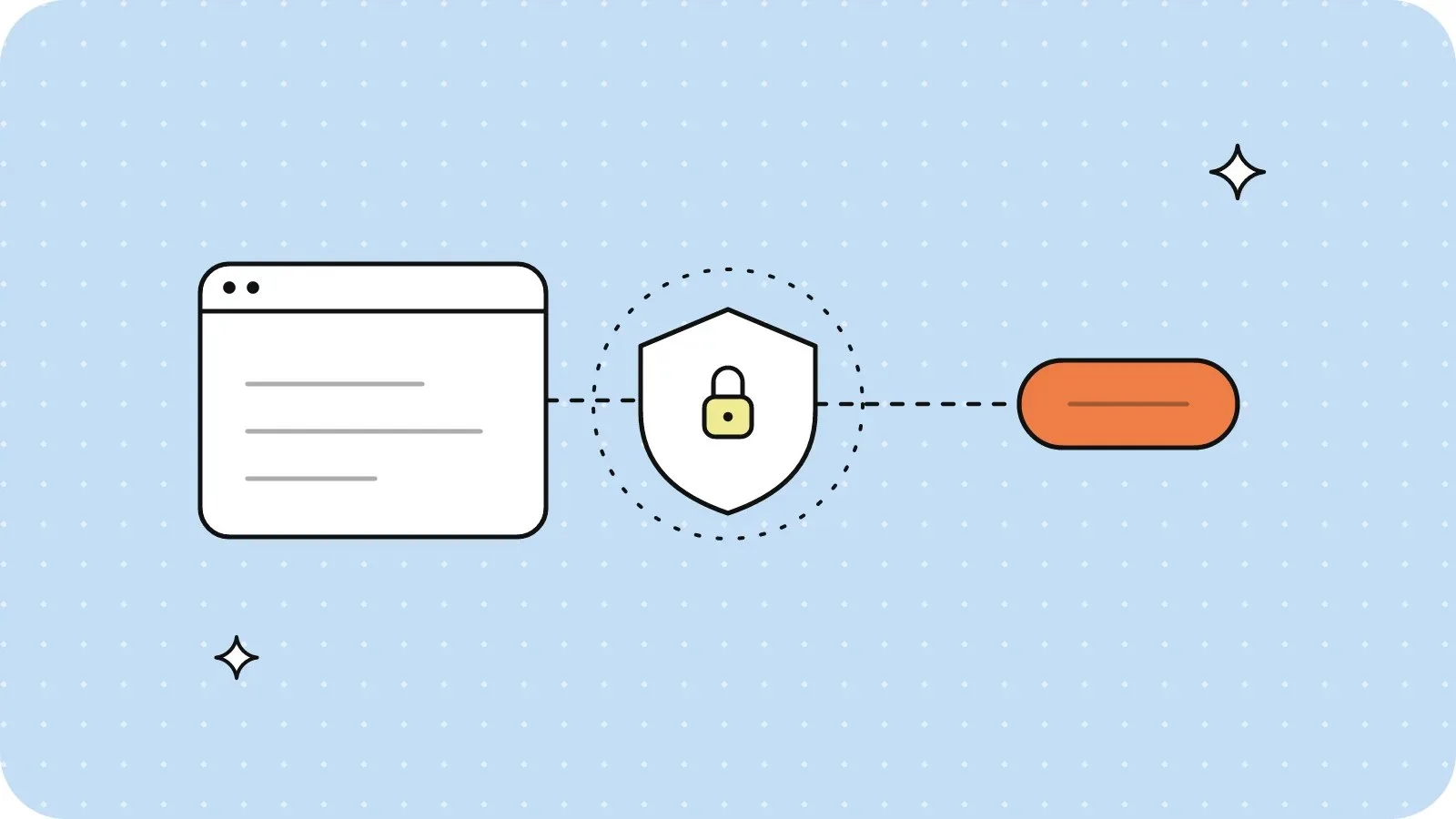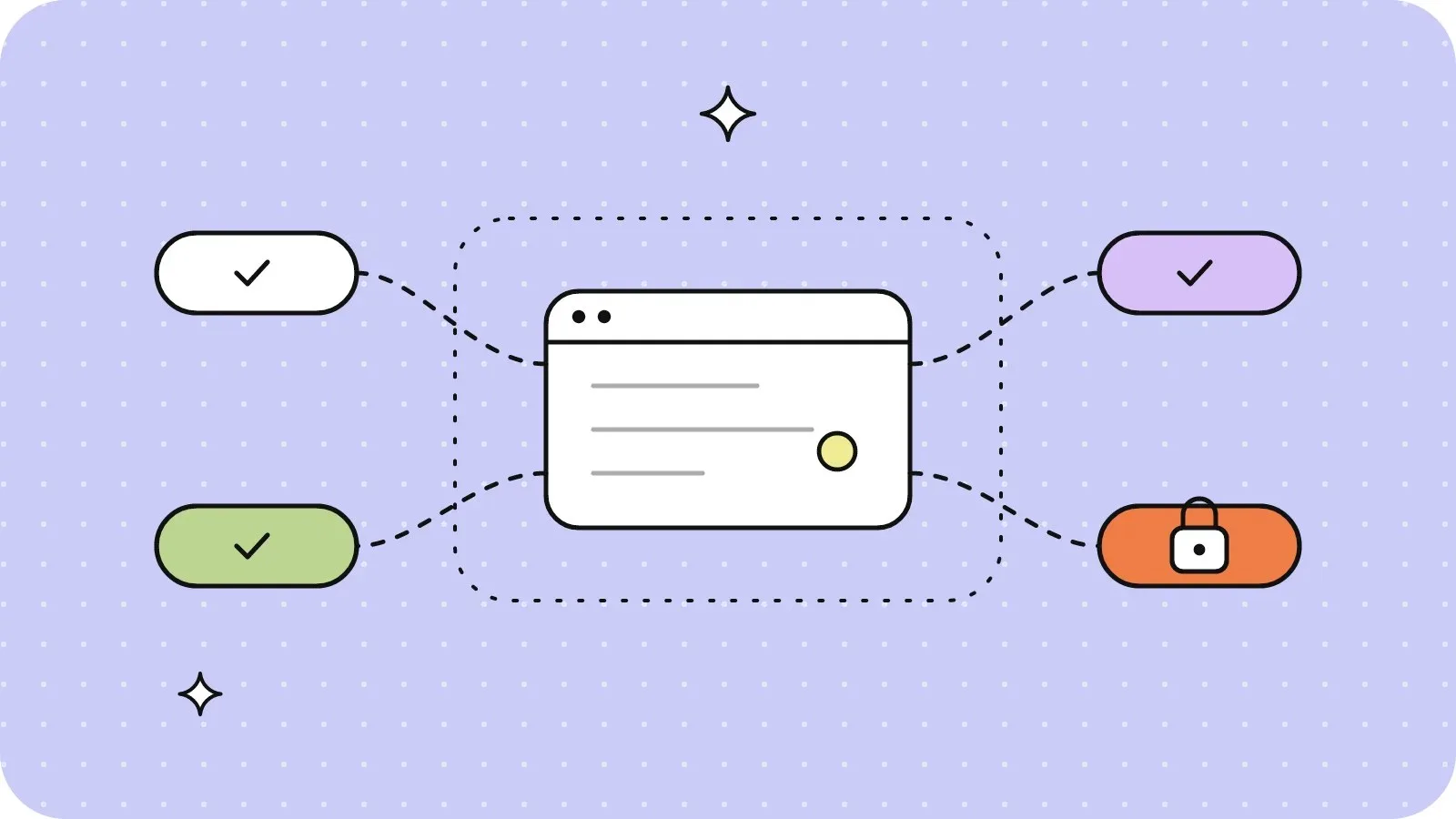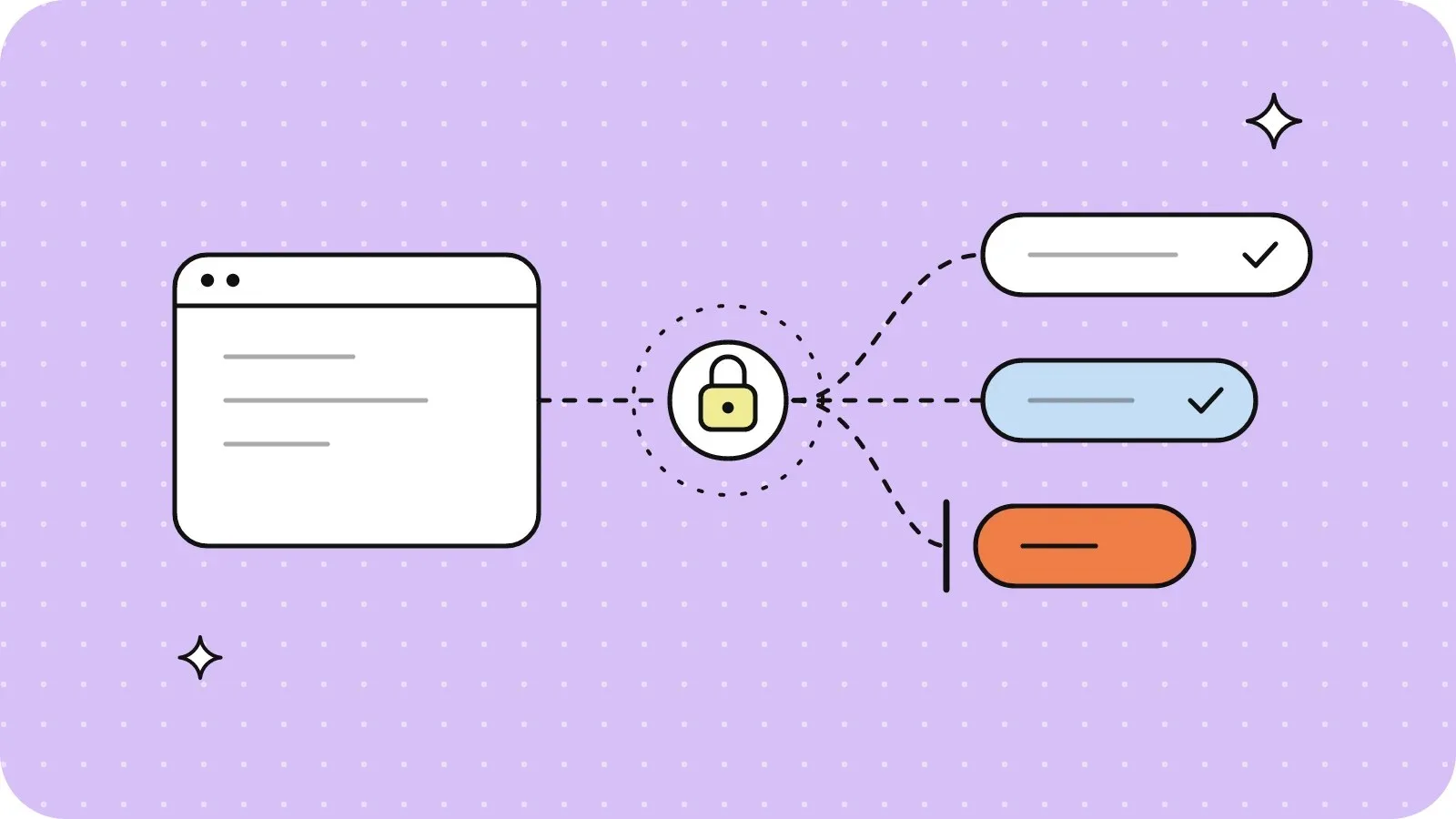
Claude Code security rests on three layers: permission rules in settings.json that allow, ask or deny each tool, hooks that run your own scripts before and after tool calls, and checks in CI that review what the agent wrote. Configure all three and Claude Code cannot read secrets, edit protected paths or merge unreviewed code.
How Claude Code behaves out of the box
Claude Code starts with read-only access and asks before it edits a file or runs a shell command. That default is safe for one developer watching the terminal. It breaks down when a team runs the agent for hours, approves prompts without reading them, or switches to a mode that skips prompts entirely.
Anthropic's Claude Code security documentation describes the built-in protections: permission prompts, a trust check the first time you open a new codebase, and approval for network requests. These protect a careful user. Team-level security needs policy that does not depend on someone reading each prompt, because approval fatigue sets in fast.
The modes matter. Default mode prompts for edits and commands. Accept-edits mode auto-approves file edits. Plan mode lets Claude Code read and propose without changing anything. Bypass mode, enabled with --dangerously-skip-permissions, skips prompts and should only run inside an isolated container.
Permission rules in settings.json
Permission rules are the first layer of Claude Code security, and they live in version control. Claude Code reads settings from several files, from broadest to narrowest:
- Managed settings deployed by IT, which users cannot override.
- User settings in
~/.claude/settings.json. - Project settings in
.claude/settings.json, committed and shared with the team. - Local project settings in
.claude/settings.local.json, ignored by git.
A team baseline belongs in the project file. A typical starting point:
{
  "permissions": {
    "allow": ["Bash(npm run test:*)", "Bash(npm run lint)"],
    "ask": ["Bash(git push:*)"],
    "deny": [
      "Read(./.env)",
      "Read(./.env.*)",
      "Read(./secrets/**)",
      "Bash(curl:*)",
      "WebFetch"
    ]
  }
}
Deny rules win over allow rules. Use them for anything that holds credentials: .env files, cloud config directories and key stores. Allow only the commands the agent runs constantly, such as tests and linters, so prompts stay rare enough that people read them.
Bash rules match on command prefixes, and Anthropic's docs warn that patterns trying to constrain arguments are easy to work around. A determined or confused agent can reach the same result through a different command. Treat Bash deny rules as guardrails against accidents and use hooks or a sandbox for anything you need to enforce.
For organisations, managed settings can turn off bypass mode for everyone and restrict which MCP servers developers may connect. Put those controls there, not in a project file a developer can edit.
Hooks that enforce policy in code
Hooks let you run a script at fixed points in Claude Code's loop, and a PreToolUse hook can block a tool call before it happens. The hooks reference lists the events, including PreToolUse, PostToolUse, UserPromptSubmit and Stop.
This hook stops Claude Code from editing CI workflows, env files or production infrastructure:
{
  "hooks": {
    "PreToolUse": [
      {
        "matcher": "Edit|Write",
        "hooks": [
          { "type": "command", "command": ".claude/hooks/protect-paths.sh" }
        ]
      }
    ]
  }
}
#!/bin/bash
path=$(jq -r '.tool_input.file_path // empty')
case "$path" in
  *.github/workflows/*|*.env*|*infra/prod/*)
    echo "Blocked: $path is protected. Ask a human to change it." >&2
    exit 2;;
esac
exit 0
Exit code 2 blocks the call and sends the message back to Claude Code, which then explains the block to the user instead of retrying a different way. Good uses for hooks:
- Block edits to protected paths, as above.
- Run a secret scanner on each file after
EditorWritein aPostToolUsehook. - Log each Bash command to a file your security team can audit.
- Run the formatter and linter after edits so CI noise drops.
Hooks run with your user's permissions, so treat hook scripts as code that needs review. Keep them in the repo, protect .claude/ with CODEOWNERS, and review changes to hook config as you would changes to CI.
Sandboxing and MCP servers
A sandbox limits what Claude Code can reach even when a rule or hook misses something. Recent versions of Claude Code include a sandboxed Bash mode that restricts filesystem writes and network access, and Anthropic publishes a reference development container with a firewall for unattended runs. If you use bypass mode, use it only inside one of these. See agent sandbox for the general pattern.
MCP servers extend what Claude Code can do, and each one widens the attack surface. A server that reads Jira tickets, Slack messages or web pages feeds untrusted text into the agent's context, which is the setup for prompt injection. Claude Code asks before enabling servers defined in a project's .mcp.json. Approve only servers you have reviewed, and prefer read-only scopes. The Model Context Protocol entry covers how these servers connect.
Claude Code security checks in CI
Local controls protect the developer's machine. CI controls protect the codebase, and they apply no matter which tool or person wrote the change.
Anthropic offers a GitHub Actions integration that runs Claude Code on pull requests and issues, and a /security-review command for ad hoc reviews. Both are useful as a reviewer. Neither replaces gates the agent cannot influence: branch protection, required human approval, secret scanning and dependency review.
For AI-specific risk on each PR, the Motiontic Security Layer (MSL) integrates with CI and runs on each pull request while the code stays in the team's own CI. It scores changes against the ARI-42 risk index and posts a PR comment listing each risk and its fix. It also produces a dashboard and a buyer-ready PDF report, so security reviews from enterprise buyers do not stall deals. Setup happens on a 15-minute call, and the first report arrives within 48 hours.
A baseline Claude Code security config
Apply this checklist to each repository where the team uses Claude Code.
- Commit
.claude/settings.jsonwith deny rules for.env, secrets directories and cloud credentials. - Allow only test, lint and build commands without prompts.
- Add a
PreToolUsehook that blocks edits to.github/workflows/, infrastructure and auth code. - Add
.claude/and.mcp.jsonto CODEOWNERS. - Disable bypass mode in managed settings, or allow it only inside the dev container.
- Review and approve each MCP server before anyone enables it.
- Require PR review and passing security checks in CI before merge.
- Keep production credentials off developer machines that run the agent.
Teams comparing tools can read Motiontic's Claude Code vs Cursor breakdown for how the two differ in control surface.
FAQ
Is Claude Code safe to use on a company codebase?
Claude Code is read-only by default and asks before edits and commands, which suits careful individual use. For team use, add committed permission rules, hooks for protected paths and CI checks so safety does not depend on each developer reading each prompt.
Can Claude Code read my .env file?
It can read files in the project unless a deny rule blocks them. Add Read(./.env) and Read(./.env.*) to the deny list in .claude/settings.json, and keep real production secrets out of the repository entirely.
What is the difference between permissions and hooks in Claude Code?
Permissions are declarative rules that allow, ask or deny a tool call by pattern. Hooks are scripts that run at points in the agent loop and can inspect the full input, so they enforce rules that patterns cannot express, such as blocking edits to any file under a protected directory.
Is it safe to run Claude Code with --dangerously-skip-permissions?
Only inside an isolated container with no production credentials and limited network access. Outside that, the flag removes the last check between the agent and your filesystem.
How do I review Claude Code's changes before they merge?
Route all agent work through pull requests, require a human approval from someone other than the author, and run automated security checks on each PR. Read about human-in-the-loop review for where approvals belong.
Get a second set of eyes on agent-written code
Motiontic can run an ARI-42 review on pull requests your team wrote with Claude Code. Book a 20-minute call.